
GIGABYTE D1080 is a laptop docking station launched by GIGABYTE. It can connect to the laptop to expand more ports, including USB3.0, HDMI, DisplayPort, 1000M network port, audio input and output, etc., which is convenient for users to use.
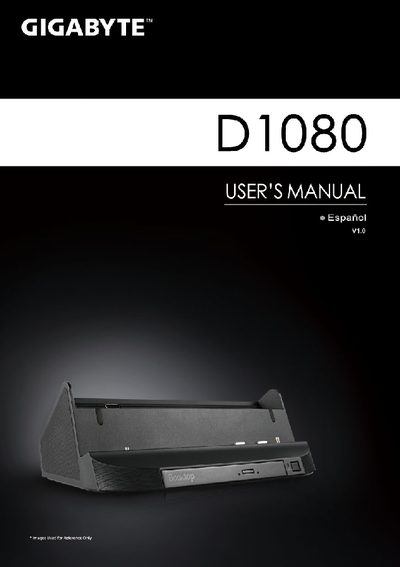
This manual guides you through the installation and first‑time use of the Gigabyte D1080 docking station, including how to connect the AC adapter, insert the driver CD, and configure the system. It also describes the layout of ports such as USB, HDMI, Ethernet, audio jacks, and the built‑in DVD‑Super Multi‑Layer drive.
Additional sections cover technical specifications, warranty and service resources, and a brief FAQ. For further support, links to Gigabyte’s online support pages are provided. This manual is written in Spanish.
| USB ports | 3 |
|---|---|
| HDMI port | Yes |
| Audio output | Stereo speakers and woofer |