
This is an installation guide for GIGABYTE's Docking Station, which explains how to connect the power adapter and power cable, and how to use it for the first time. It also introduces the appearance and features of the Docking Station.
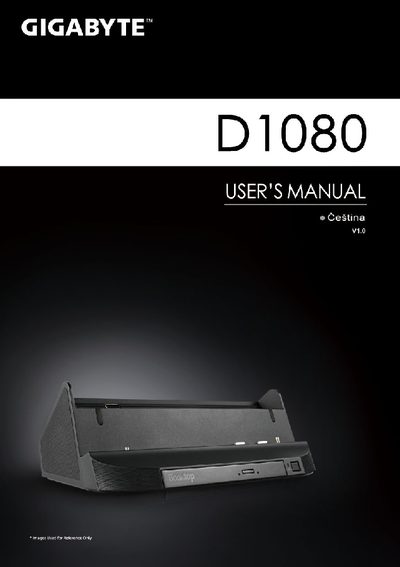
This manual introduces the Gigabyte D1080 docking station, describing its components, ports, and optional accessories. It includes a panoramic view of the front panel, a rear‑view diagram, and a list of specifications such as USB ports, Ethernet, audio jacks, and an optical DVD drive.
The guide walks you through first‑time use: insert the supplied driver CD, install the Booktop Express software, connect the power adapter to the DC‑In connector, and attach your tablet. It also points to warranty, service information, and a FAQ page on Gigabyte’s support website. This manual is written in Czech.
| USB ports | 3 |
|---|---|
| Ethernet port | RJ45 |
| Audio jacks | 3.5 mm input and output |
| DC‑In connector | present |
| Optical drive | DVD‑Super Multi‑Layer |
| HDMI port | present |
Connect the power adapter to the DC‑In connector on the docking station and plug the power cable into a wall outlet.