
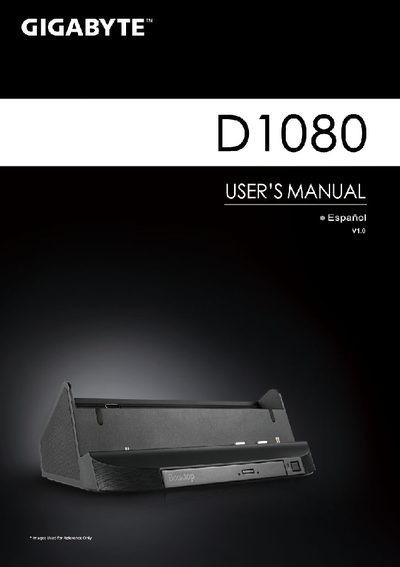
This manual guides you through the quick installation of the Gigabyte D1080 docking station, including connecting the AC adapter, power cable, and turning on the unit. It also explains how to install the driver CD (Booktop Express) and configure optional sensors such as Geosense Location Sensor.
The document lists all available ports – D‑sub, three USB ports, RJ45 Ethernet, HDMI, microphone, headphone, DC‑in, docking connector, and battery‑extension connector – and describes the audio output (stereo speakers and woofer) and optical DVD‑Super Multi‑Layer drive. Final configuration may vary depending on the specific model chosen. This manual is written in Spanish.