
Explains how to use the GIGABYTE docking station
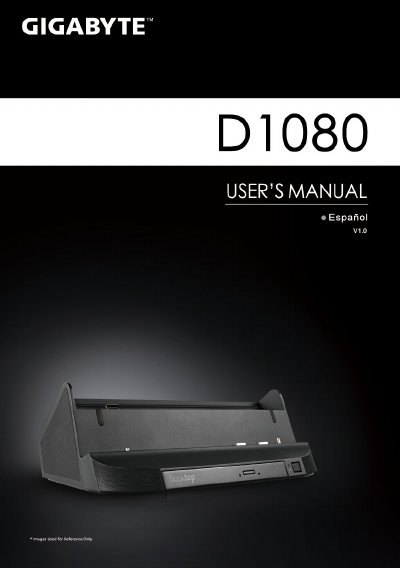
This Quick Start Guide provides step‑by‑step instructions for installing and using the Gigabyte S1080/S1081 docking station. It includes information on connecting the power adapter, inserting the driver CD, and configuring optional sensors.
The guide lists all available ports—D‑sub, three USB ports, RJ45, microphone, headphone, DC‑in jack, docking port, bacteria‑extension connector, and HDMI—as well as the built‑in DVD Super Multi‑Layer optical drive and speaker/woofer configuration. Warranty and support links are also provided. This manual is written in Spanish.
| Input/Output Ports | D‑sub, USB x3, RJ45, microphone, headphone, DC‑in jack, docking port, bacteria‑extension connector, HDMI |
|---|---|
| Optical Drive | DVD Super Multi‑Layer Drive |
The docking station only supports Windows 7 Home Premium and later versions.
Insert the driver CD into the optical drive and run the installer to install the Booktop Express software.