
This document introduces the use of GIGABYTE Booktop Express.
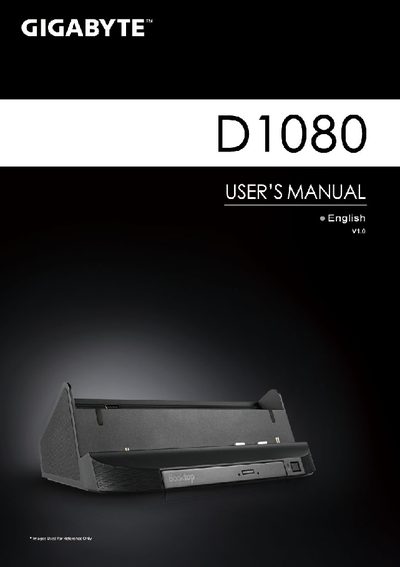
This manual helps you get started with the Gigabyte D1080 Booktop Express. It covers the items supplied, first‑time setup, required Windows 7 Home Premium (or later) operating system, and basic usage instructions such as installing the driver CD and configuring optional sensors.
The guide also details the device’s hardware layout, including the extended battery port, various I/O ports (USB, HDMI, RJ45, audio jacks, etc.), speaker configuration, and the optical DVD‑Super Multi‑Layer drive. Warranty and service information, as well as links to FAQs, are provided at the end of the document.
| Ports | D-sub, USB x3, RJ45, Microphone Jack, Headphone Jack, DC‑in Jack, Booktop Express Connection Port, Extended Battery Connection Port, HDMI |
|---|---|
| Optical Drive | DVD‑Super Multi‑Layer Drive |
| Speakers | Stereo and woofer speakers |
| Supported OS | Windows 7 Home Premium and above |
The Booktop Express is only supported on Windows 7 Home Premium version and above.
The package includes an AC adapter, a power cord, the manual, and a driver CD.
Connect the power cord to the AC adapter, then to the DC‑in jack, plug the adapter into a power outlet, and press the Power Button.