
This manual introduces the features and characteristics of Grandstream HT70X Analog Telephone Adaptor, including product overview, basic operations, configuration guide, software upgrade, etc.
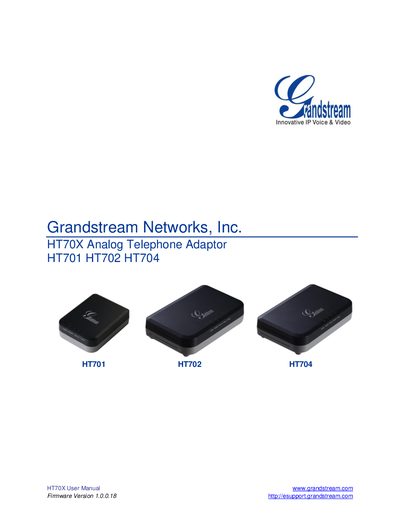
This manual covers safety compliance, warranty information, and the contents of the HT70X package, which includes the main unit, a universal power adaptor, an Ethernet cable, and (for HT702/HT704) a vertical stand. It explains how to connect the device to an analog phone, Ethernet network, and power source.
Detailed sections describe the hardware specifications, LED status indicators, basic call functions (dialing, hold, transfer, conferencing, fax), and extensive configuration options via voice prompts, web interface, and central provisioning. Firmware upgrade procedures and factory reset methods are also provided.
| Ethernet port speed | 10/100 Mbps |
|---|---|
| FXS ports | 1 (HT701) or 2 (HT702/HT704) |
| LED indicators | 4 LEDs (HT701) or 5 LEDs (HT702/HT704) |
Press the reset button for about 7 seconds, or use the IVR command or web interface reset options.
Use the supplied universal power adapter; HT701 requires 12 V 0.5 A, while HT702/HT704 require 12 V 1 A.
Firmware can be upgraded via TFTP, HTTP, or HTTPS using the web interface or a local TFTP server.