
This document is the user manual for Grandstream Networks, Inc. HT503 FXS/FXO Port Analog Telephone Adaptor, providing information about the features and characteristics of the product.
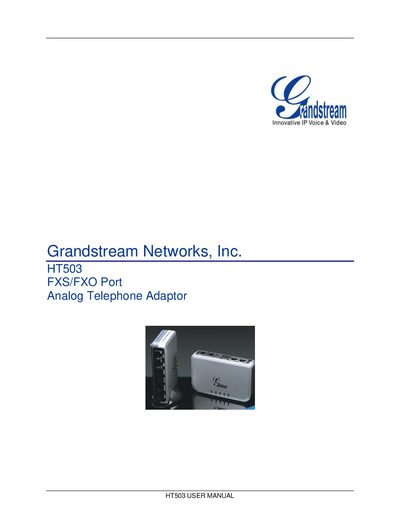
The HT503 is an Analog Telephone Adapter (ATA) that combines FXS and FXO ports to connect standard analog phones to an IP network. It offers features such as 3‑way conferencing, call forwarding, and fax support while acting as a gateway between PSTN and VoIP.
This manual covers safety compliance, unpacking, hardware overview, basic operations, voice prompts, call handling, configuration via web interface or voice prompts, firmware upgrades, and how to restore factory defaults. It includes step‑by‑step instructions and reference tables for quick setup and troubleshooting.
The package contains one HT503 main case, a universal power adaptor, an Ethernet cable, and a vertical stand.
Press the reset button by inserting a pin into the hole on the back panel for about 7 seconds, or use the IVR command "***" followed by "99" and the encoded MAC address.
Firmware can be upgraded via TFTP, HTTP, or HTTPS using the web interface or the provided upgrade utilities.