
This document is a quick user guide for the Grandstream HT Series Analog Telephone Adapters (ATA), providing information on basic operations such as making a call, call hold/resume, call waiting, call transfer, and 3-way conference.
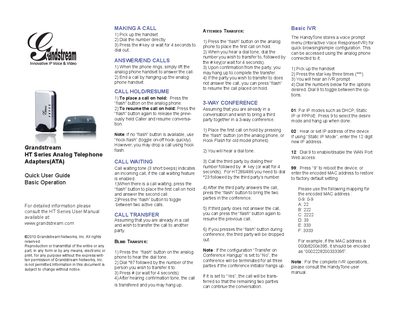
This Quick User Guide provides basic instructions for using Grandstream HT Series analog telephone adapters. It covers essential functions such as making calls, answering and ending calls, call hold, call waiting, transfers, three‑way conferencing, and the built‑in IVR menu.
The guide explains step‑by‑step procedures: pick up the handset, dial a number, use the flash button for hold, transfer (blind or attended), and conference calls. It also describes how to access and use the HandyTone IVR feature and how to reboot or reset the device via the IVR menu.
Pick up the handset, dial the number directly, then press the # key or wait 4 seconds to dial out.
Press the “flash” button on the analog phone (or use a hook flash) to place the call on hold.
Press the flash button, hear the dial tone, dial *87 followed by the target number, then press # or wait 4 seconds.
Pick up the handset, press the star key three times (***), then follow the spoken IVR prompts.