
This document is the user manual of GXV3140 IP Multimedia Phone, which introduces the features and characteristics of the product, as well as how to install, use and configure the product
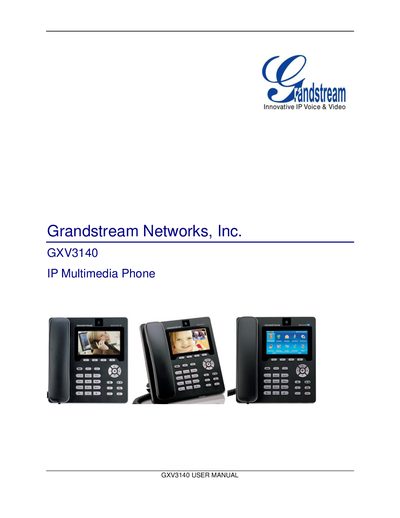
This manual explains how to install, configure, and use the Grandstream GXV3140 IP Multimedia Phone. It covers hardware setup, web‑based configuration, and the phone’s built‑in multimedia applications.
The guide also details advanced functions such as multiple SIP accounts, call handling, firmware upgrades, and factory reset procedures, helping both enterprise and consumer users get the most out of the device.
Use the web UI: click on the “Reset” button for Factory reset and confirm the dialog.
Firmware can be upgraded via the keypad menu or through the web browser configuration page.
Access the web configuration interface by entering the phone’s IP address in a browser.