
This is a quick user guide for the Grandstream GXV3140 IP Multimedia Phone, introducing its basic operations and features.
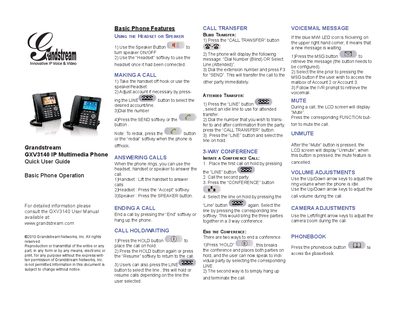
The Quick User Guide provides step‑by‑step instructions for using the GXV3140 IP Multimedia Phone. It covers basic phone features, making and answering calls, call hold, transfer, conference, voicemail, mute, volume, camera adjustments, and phonebook access.
Each operation is described with the required button presses, such as using the Speaker button to toggle speaker mode, the LINE button to select accounts, and the CALL TRANSFER button for blind or attended transfers. The guide also explains how to mute/unmute, adjust call and idle volume, and use the camera zoom during video calls.
Take the handset off hook or use the speaker/headset, select the desired account with the LINE button, dial the number, then press the SEND softkey or the call button.
Lift the handset, press the “Accept” softkey with a headset, or press the SPEAKER button to answer using the speaker.
During a call, press the FUNCTION button labeled “Mute” to mute; press the same button again when the screen shows “Unmute” to restore audio.
Press the HOLD button to put the current call on hold; press HOLD again or the “Resume” softkey to return to the call.