
This document is the GXV3000 Video SIP Phone Quick Installation Guide, which introduces the basic functions, features and installation methods of the video SIP phone.
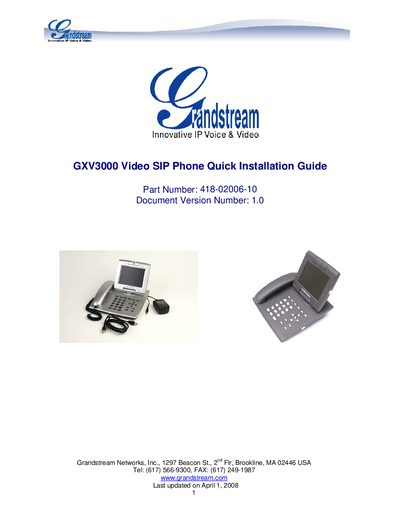
The guide provides an overview of the GXV3000 packaging and a step‑by‑step quick installation process, including connecting the handset, Ethernet cable, and power adapter, then waiting for the LCD to display provisioning information.\n\nIt also explains how to configure the phone using the embedded web browser or keypad, covering network settings, SIP server details, and basic feature adjustments such as ring tone and video streaming.
| Screen size | 5.6 inch |
|---|---|
| Video codec | H.264/H.263/H.263+ |
| Maximum video frame rate | 30 fps |
| Video bandwidth range | 32 kbps – 1 Mbps |
| Power input | 12 V DC |
| LAN port | RJ‑45 |
| USB ports | 2 |
| Video/Audio jack | present |
| Headset jack | present |
The default administrator password is "admin".