
This is a Grandstream HT704 Analog Telephone Adapter QuickStart Guide
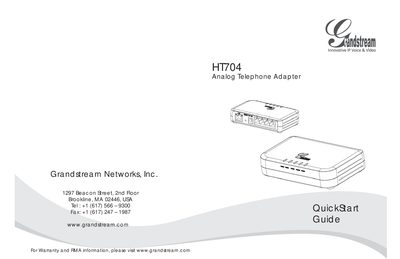
The Grandstream HT704 is an Analog Telephone Adapter that enables standard analog phones and fax machines to work with VoIP services. It provides a simple plug‑and‑play solution for basic IP telephony.
This Quick Start Guide explains the safety precautions, package contents, how to connect the device, and the initial configuration steps using the built‑in web interface or interactive voice prompts. It also notes the lack of emergency‑call support and provides basic network settings needed for operation.
| Operating temperature | -10 °C to +55 °C |
|---|---|
| Operating humidity | 10‑90 % RH (non‑condensing) |
No. Grandstream does not provide connections to emergency services via the HT704; users must arrange separate emergency service access.
The package contains a power adapter and the Quick Start Guide.
The device may be used between -10 °C and +55 °C.