
GXV300x Series IP Video Phone User Manual introduces basic functions and usage of GXV300x Series IP Video Phone, including installation, connection, usage, configuration, upgrade and maintenance
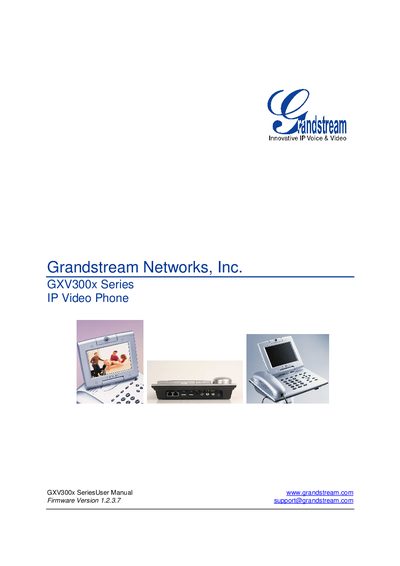
This manual introduces the Grandstream GXV300x series, an IP video phone that supports SIP, H.264, H.263/H.263+ video codecs, and offers a 5.6" TFT LCD and VGA camera for high‑quality video calls. It outlines key features such as dual Ethernet ports, multi‑line support, and advanced audio processing.
The guide covers unpacking, wall‑mount installation, power requirements, connector definitions, and detailed configuration steps via keypad, web GUI, and secure provisioning. It also includes software upgrade procedures, customization options, auxiliary ports, video surveillance setup, and instructions for restoring factory defaults.
| Ethernet Port | Dual 10M/100M auto‑sensing Ethernet ports |
|---|---|
| LCD | 5.6 inch TFT color LCD |
| Camera | Advanced CMOS sensor (VGA resolution) |
| Auxiliary ports | RCA stereo audio & composite video output, 2.5 mm headset jack, two USB 2.0 ports |