
Grandstream GXV3175 IP Multimedia Phone User Manual

GXV3175 User Manual, introduces the basic functions and usage methods of GXV3175 IP Multimedia Phone.
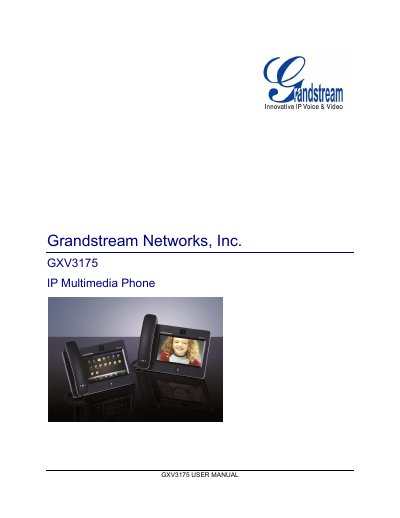

Grandstream GXV3175 IP Multimedia Phone User Manual - cover page
Brand
Grandstream
Document type
User Manual
Language
English
Pages
139
File format
PDF
File size
8.6 MB
Published
11 May, 2012
Updated
30 September, 2023
Model
GXV3175
MD5 checksum
CBCD9D8C9ADF4156262A8A0F15EEFB27

About this manual

This manual guides users through installing the GXV3175 IP Multimedia Phone, connecting it to the network, and configuring its features via the LCD menu or web interface. It covers hardware overview, safety, warranty, and step‑by‑step setup, including wall‑mounting and stand options.

The document also details call handling, multimedia applications, firmware upgrades, and how to restore factory defaults. Technical specifications such as display, camera, ports, and power requirements are listed in dedicated tables.

What's inside

  • Welcome
  • Product Overview
  • Installation
  • Connecting the Phone
  • Wall Mount
  • Phone Stand
  • Welcome Setup Guide
  • Making a Call
  • Call Function Options
  • Software Upgrade
Download PDF (8.6 MB)

More Grandstream Manuals


View all Grandstream manuals →