
This document is the GXW40XX user manual, which introduces the features and characteristics of the Grandstream Networks, Inc. Analog IP Gateway GXW40XX, including 4, 8 or 24 FXS ports, firmware version, etc.
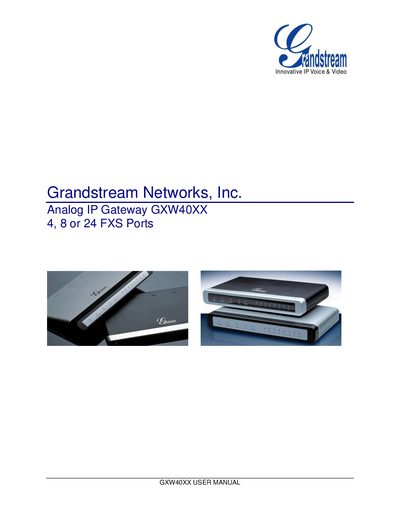
The GXW40XX series is a compact, fan‑less analog IP gateway that offers 4, 8 or 24 FXS ports, dual 10/100 Mbps network ports, a PSTN lifeline, and optional RS232 serial port. It supports a wide range of voice codecs and complies with FCC/CE safety standards and UL‑approved power adapters.
This manual covers hardware specifications, safety compliance, warranty information, step‑by‑step installation, configuration via voice prompts or web browser, firmware upgrades, and how to restore factory defaults. It also includes detailed tables of settings, call features, and troubleshooting guidance.
| FXS ports | 4, 8, or 24 |
|---|---|
| Network ports | dual 10/100 Mbps |
| PSTN lifeline | present |
| RS232 serial port | available except GXW4024 |
| Supported codecs | G711, G723.1, G726, G729A/B/E, iLBC |
| Power adapter compliance | UL |
| Safety standards | FCC/CE |
You can reset the device either by pressing the reset button through a pin‑hole on the back panel for about 7 seconds, or by using the IVR command sequence *** → 99 → encoded MAC address.
After a factory reset, WAN side HTTP access is disabled, so the web configuration page can only be accessed from the LAN port.
The gateway supports G711 (a/u‑law), G723.1, G726 (16/24/32/48 kbps), G729A/B/E, and iLBC codecs.