
This is a Grandstream GXE502x IPPBX quick start guide, which introduces how to set up GXE502x
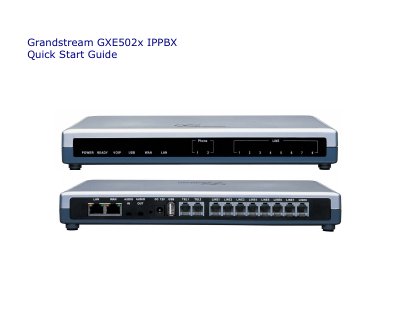
The Quick Start Guide provides step‑by‑step instructions for unpacking the GXE502x, connecting power, Ethernet, and PSTN lines, and powering up the unit. It also explains the initial network setup, including DHCP requirements and the default LAN IP address.
After the hardware is ready, the guide walks you through accessing the web GUI, using the Express Setup wizard, adding extensions manually, and configuring network, system, PSTN, SIP trunk, peer, and call‑routing settings. It includes screenshots and notes on default credentials and LED indicators.
| Power Adapter | 12 V DC |
|---|---|
| Default LAN IP | 192.168.10.1/255.255.255.0 |
| Default Login | admin / admin |
Open a web browser and enter the default LAN IP address 192.168.10.1 in the URL field.
Both the username and password are “admin”.
A 12 V DC power adapter is supplied and must be connected to the 12 V DC power jack.
Use the “Add One Extension” or “Batch Add” buttons in the web GUI, fill in the user name, extension number, and SIP password, then submit.