
This is the user's manual for NEC NP200/NP100 projectors. It introduces the projector's safety usage methods, installation methods, and usage methods.
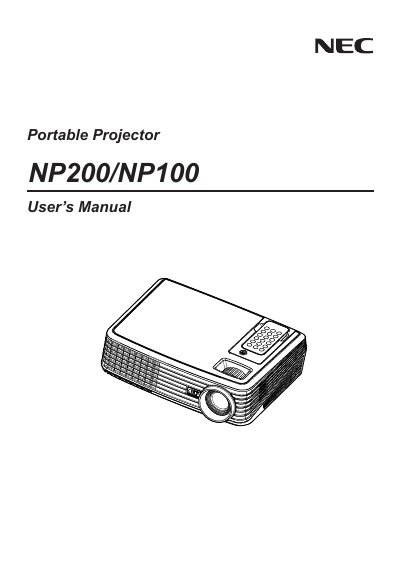
This manual explains important safety precautions for the NEC NP100/NP200 projector, including power handling, ventilation, and warnings against opening the cabinet. It also covers proper installation, wiring, and power requirements.
Operational guidance includes remote‑control handling, lamp characteristics, replacement procedures, and troubleshooting tips. Service options such as the TravelCare program and warranty conditions are described at the end of the document.
| Power Supply | 100‑240 V AC 50/60 Hz |
|---|---|
| Maximum Sound Pressure Level | < 70 dB(A) |
No. Opening the cabinet can cause electric shock and should only be done by qualified service personnel.
Leave at least 4 inches (10 cm) of space between the projector and a wall.