
NEC NP200/NP100 Portable Projector User Manual, introduces the projector's features, usage and precautions.
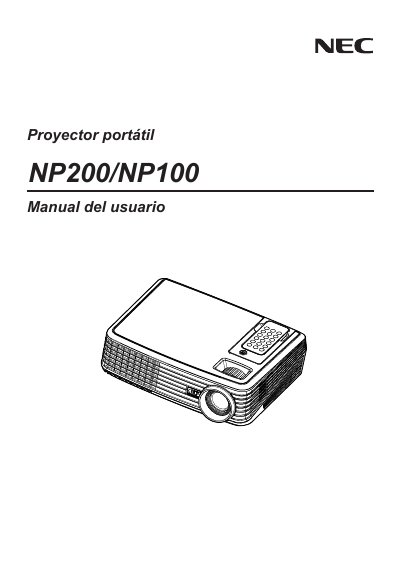
This manual covers safety precautions, proper installation (including ceiling mounting), and operating instructions for the NEC NP200/NP100 projector. It explains how to handle power, ventilation, remote control use, and lamp replacement, and it warns against actions that could cause electric shock or fire.
Additional sections describe troubleshooting procedures, the TravelCare service program, and required steps for servicing the unit, such as disconnecting power and using qualified service personnel. The document also includes environmental disposal guidance for the projector and its accessories. This manual is written in Spanish.
| Power input | 100‑240 V AC, 50/60 Hz |
|---|
Cool the unit, then follow the instructions on pages 33‑34 to remove the old lamp and install a new one, making sure the lamp‑life warning is observed.
Disconnect the power cable and all other cables, avoid opening the case, and let qualified service personnel handle any internal work.
It operates from a 100‑240 V AC source at 50/60 Hz.