
Describes the use of NP216/NP215/NP210/NP115/NP110 portable projectors
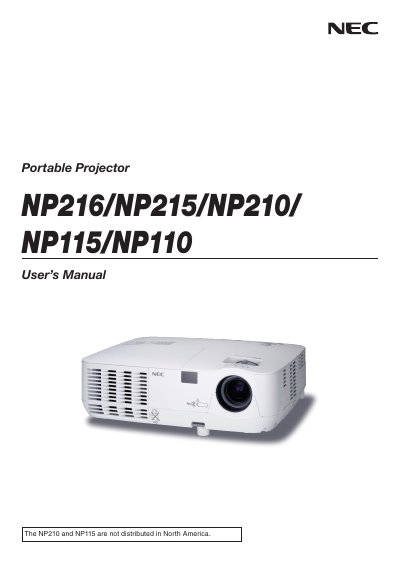
This manual covers important safety precautions, proper installation, and connection methods for the NEC NP216, NP215, NP210, NP115, and NP110 portable projectors. It includes detailed instructions for setting up the projector, connecting video sources, and using optional network features on the NP216 and NP215 models.
The document also explains basic operation, image adjustment, lamp replacement, and special operating modes such as high‑altitude fan settings. Warranty, service options, and environmental disposal information are provided in the appendix.