
This document is about the user manual of HR-J797AM and HR-J791AM VCRs, which can use VHS and S-VHS tapes, but cannot use S-VHS recording
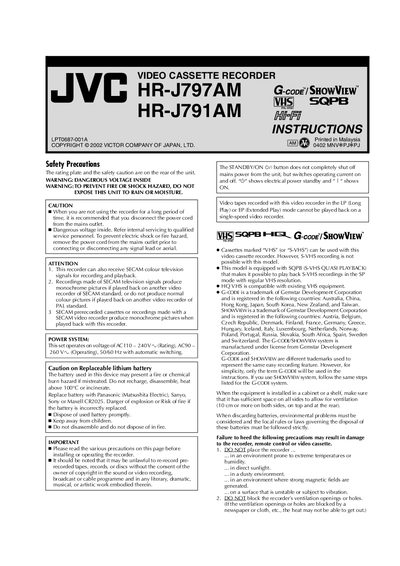
This manual begins with safety precautions, power specifications, and battery handling for the HR-J797AM/HR-J791AM video cassette recorders. It explains proper ventilation, power connections, and the replacement of the internal CR2025 lithium battery.
Subsequent sections cover initial setup of TV channel and system, remote‑control operation, connection wiring (RF and AV), playback functions, recording procedures, and troubleshooting tips such as head cleaning and error handling.
| Power supply voltage | AC110‑240 V (Rating), AC90‑260 V (Operating), 50/60 Hz |
|---|---|
| Battery type | CR2025 lithium battery |
| Remote control range | about 8 m |
| Supported video systems | PAL, SECAM, NTSC |
| Supported cassette types | VHS and S‑VHS (playback via SQPB) |
Turn off the recorder, hold STOP/EJECT, then press PR+ or – on the remote to select the TV system that matches your TV, and set the TV to the indicated UHF channel.
Use a dry cleaning cassette (model TCL‑2) to clean the video heads when you notice rough or unclear pictures.