
This manual introduces the basic operations of using the Panasonic DLA-HD100 projector
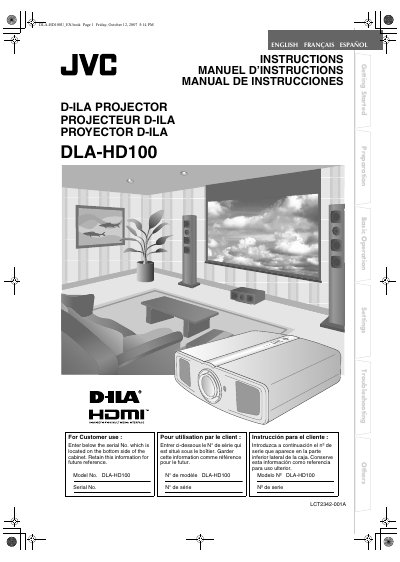
This manual covers safety precautions, installation guidelines, and proper handling of the DLA‑HD100 projector. It explains how to mount the unit, connect power and video sources, and use the remote control for basic operation and image settings.
Detailed sections describe the projector’s main features, specifications, RS‑232C interface, lamp replacement, filter cleaning, and troubleshooting steps for common error messages. The document also lists optional accessories and provides wiring diagrams for HDMI, component, S‑Video, and SCART connections.
| Projection Lens | 2.0× power zoom (1.4:1 f/2.8) |
|---|---|
| Lamp Type | 200 W ultra‑high pressure mercury lamp (BHL5009‑S) |
| Power Requirements | AC 110‑240 V, 50/60 Hz |
| Power Consumption | 280 W (standby 2.7 W) |
| Mass | 11.6 kg (25.5 lb) |
The projector operates on AC 110‑240 V, 50/60 Hz and consumes 280 W during use, with a standby power draw of 2.7 W.