
This manual is the instruction manual for XV-S500BK/XV-S502SL DVD player. It mainly introduces the basic operations and advanced operations of the DVD player, including the playback of MP3 and JPEG discs, the change of initial settings, etc.
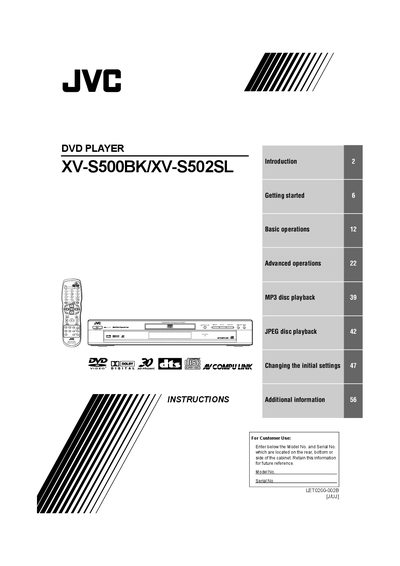
The manual begins with safety warnings, handling instructions, and a list of supplied accessories. It explains how to install the unit, connect power and audio/video cables, and describes the disc formats the player supports, including DVD‑VIDEO, SVCD, Video CD, Audio CD, MP3 and JPEG, as well as region‑code restrictions.
Subsequent sections cover basic and advanced playback functions, MP3 and JPEG disc operations, parental‑lock setup, troubleshooting tips, and a specifications table. The guide also includes a warranty statement and contact information.
| Power consumption | 1.3 W (2.5 W for PX model) |
|---|---|
| Supported disc formats | DVD VIDEO, SVCD, Video CD, Audio CD, MP3, JPEG |
| Region code | 1 |
Do not open the cover, do not remove screws, keep the unit dry, and have only qualified service personnel service it.
Connect the VIDEO OUT of the unit directly to the TV’s video input using the supplied audio/video cable and set the scan mode selector to 480i.
Select Parental Lock from the menu, set a password the first time, and you can temporarily release it via the same menu.