
This is an instruction manual for a home cinema control center, describing the features and characteristics of the product.
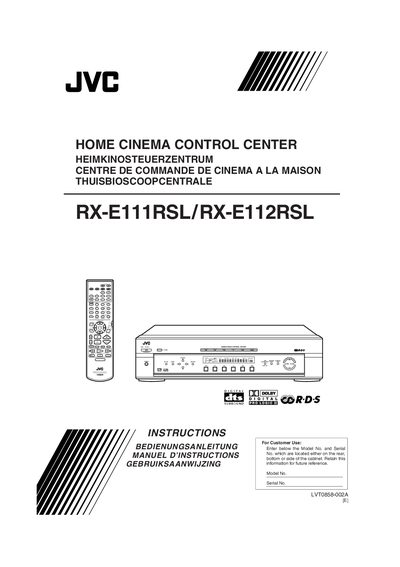
This manual explains how to safely install the JVC Home Cinema Control Center, including ventilation clearances, power‑cord connection and environmental requirements. It also lists the supplied accessories and shows how to insert batteries into the remote control.
The guide covers basic operation such as selecting sources, adjusting volume, configuring speaker and sub‑woofer settings, and using the tuner. Technical data such as frequency ranges, power consumption, dimensions and voltage requirements are provided at the end of the document.
| FM Frequency Range | 87.5 MHz to 108.0 MHz |
|---|---|
| Power Consumption (Operating) | 130 W |
| Power Consumption (Standby) | 2 W |
| Input Voltage | 230 V 50 Hz AC |
| Dimensions (W × H × D) | 435 mm × 103 mm × 398 mm |
Open the battery cover on the back of the remote, insert two R6P (AA) batteries with the correct polarity (+ to +, – to –), and close the cover.
The device requires 230 V AC at 50 Hz, consumes 130 W while operating and 2 W in standby mode.
The FM tuner covers 87.5 MHz to 108.0 MHz.