
This is a user manual for the Panasonic GZ-EX275 camera, which introduces the usage of the product.
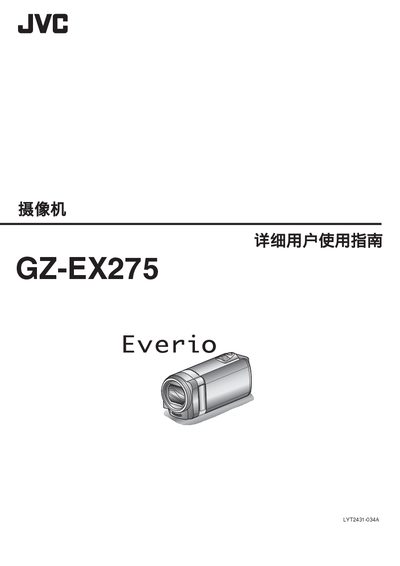
This manual covers everything you need to get the JVC GZ-EX275 camcorder up and running, from initial charging and attaching accessories to configuring Wi‑Fi, setting passwords, and using the built‑in touchscreen. Detailed sections explain how to record video, capture still images, and use advanced features such as face detection, time‑lapse, and slow‑motion.
Later chapters describe playback options, HDMI and AV output connections, file management, and troubleshooting. The final specifications page lists the camera’s dimensions, power requirements, video and audio formats, and supported storage media. This manual is written in Chinese.
| HDMI interface | mini HDMI |
|---|---|
| AV output voltage | 5.2 V, 1 A |
| Operating temperature | 0 °C to 40 °C |
| USB port | mini‑USB type‑B, USB 2.0 compatible |
| Dimensions | 83 mm × 28 mm × 40 mm (W × H × D) |
| Weight | ≈ 779 g |
| Video format | AVCHD, AVC/H.264 |
| Audio format | Dolby Digital 2‑ch |
| Battery capacity | 1400 mAh |
| Audio sampling rate | 48 kHz, 256 kbps |
Open the external monitoring settings and select “设置密码(外部监测设置)”.
Yes, go to the settings menu and choose “更改显示语言”.
The camera provides a mini‑HDMI connector.
The built‑in battery is rated at 1400 mAh.