
This document describes the features and characteristics of TP-LINK TD-W8901G ADSL2/2+ Modem with 54M Wireless Router, including all-in-one design, easy installation, QoS support, security protection, lightning protection, etc.
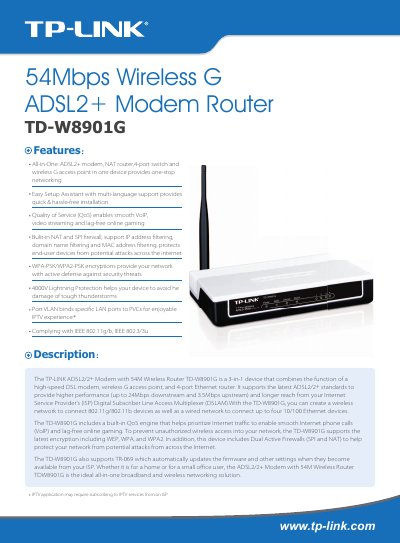
The TD‑W8901G combines an ADSL2+ modem, a 4‑port Ethernet router and a wireless G access point in a single device. It supports up to 24 Mbps downstream and 3.5 Mbps upstream data rates, dual active firewalls (SPI and NAT), QoS for VoIP and gaming, and various encryption methods for secure Wi‑Fi.
The manual covers installation steps, web‑based configuration, detailed specifications, and troubleshooting. It also lists the package contents and provides a wiring diagram for quick reference.
| Downstream data rate | Up to 24 Mbps |
|---|---|
| Upstream data rate | Up to 3.5 Mbps |
| Interfaces | 1 RJ11 DSL port, 4 RJ45 LAN ports |
| Wireless standards | IEEE 802.11g/b (2.4 GHz) |
| Encryption support | WPA/WPA2‑PSK, WPA/WPA2, WEP |
| Output power | 17 dBm |
| Dimensions (L×W×H) | 6.5 × 4.3 × 1.1 in (165 × 108 × 28 mm) |
It supports WPA/WPA2‑PSK, WPA/WPA2, and 64/128‑bit WEP encryption for wireless security.
Yes, it has dual active firewalls (SPI and NAT) and supports IP address, domain name, and MAC address filtering.
The router provides one RJ11 DSL port for the WAN connection and four RJ45 LAN ports for wired devices.