
This user guide is designed to make understanding networking with the Wireless-G Broadband Router easier than ever. It contains basic information about using the router, such as how to configure it, how to connect wireless devices, and how to manage the router.
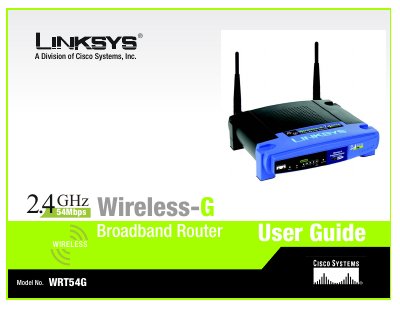
This user guide walks you through planning a wireless network, installing the WRT54G router, and configuring both wired and wireless connections. It includes detailed chapters on hardware installation, PC configuration, router setup, security settings, and firmware upgrades.
Appendices cover specifications, wireless security best practices, troubleshooting, warranty, regulatory compliance, and contact information for Linksys support.
| Standards | IEEE 802.3, 802.3u, 802.11g, 802.11b |
|---|---|
| Channels (US/Canada) | 11 channels |
| Ports | 1 Internet, 4 LAN ports |
| Data Rate | Up to 54 Mbps |
| Transmit Power | 15 dBm |
| Dimensions | 7.31" x 1.89" x 7.87" (L × W × H) |
| Power Supply | External 12 V DC, 1 A |
| Operating Temperature | 0 °C to 40 °C |
| Operating Humidity | 10 % to 85 % non‑condensing |
It has one 10/100 Mbps Internet port and four 10/100 Mbps switched LAN ports.
The router supports a maximum data rate of up to 54 Mbps.
It uses an external 12 V DC power supply rated at 1 A.
Firmware can be upgraded via the Administration tab – Firmware Upgrade in the web‑based utility.