
This document provides instructions for the quick installation of a voice adapter with 2 ports for Voice-over-IP. It includes steps for connecting the adapter, power, and telephone lines, as well as setting up the voicemail.
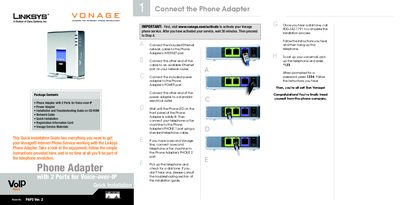
This guide walks you through activating your Vonage service, connecting the PAP2 phone adapter to your network, and wiring your telephone or fax machines to the PHONE 1 and PHONE 2 ports. It includes instructions for powering the device, checking the LED indicators, and completing the initial configuration.
The document also explains the meaning of each LED flash pattern, how to use the web‑based utility to adjust network settings, and provides troubleshooting steps for common issues such as no dial tone or failed registration with Vonage. Advanced users can access additional configuration options via the utility.
Visit www.vonage.com/activate, complete the activation, wait about 30 minutes, and then continue with the setup steps in the guide.