
The Linksys SPA-942 is a functionally powerful, easy to use business phone, featuring comprehensive interoperability and a secure mass deployment capability.
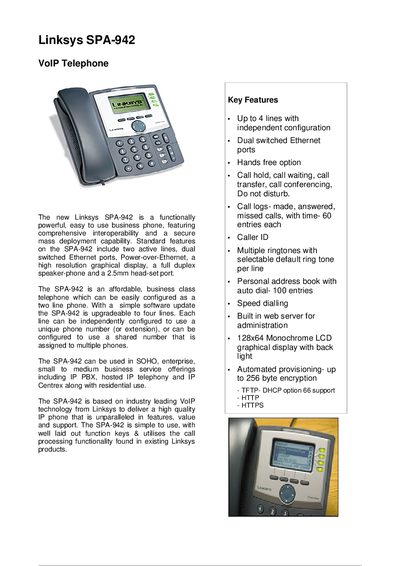
The SPA-942 is a business‑class VoIP telephone with up to four configurable lines, dual switched Ethernet ports, Power‑over‑Ethernet, a 128×64 monochrome LCD display, speaker‑phone, headset jack, and built‑in web administration. It supports a range of codecs, SIP features, and secure provisioning for SOHO to enterprise deployments.
The manual includes key feature lists, detailed technical data (network protocols, power supply, environmental limits), security settings, provisioning and administration procedures via the integrated web server, and hardware specifications such as power consumption, operating temperature, and included accessories.
| Supported lines | Up to 4 lines |
|---|---|
| Ethernet ports | Dual switched Ethernet ports |
| Power over Ethernet | Supported |
| Display | 128x64 monochrome LCD with backlight |
| Power consumption | 5 WATTs |
| DC input voltage | +5 VDC at 2.0 A max |
| Operating temperature | 32 °F to 113 °F (0 °C to 45 °C) |
The SPA-942 can support up to four lines, each independently configurable.
Yes, the phone includes Power‑over‑Ethernet capability.
The device consumes 5 WATTs of power.
Administration is done via the built‑in web server using a browser, with HTTPS provisioning and upgrade support.