
This document is about the configuration of Linksys PAP2
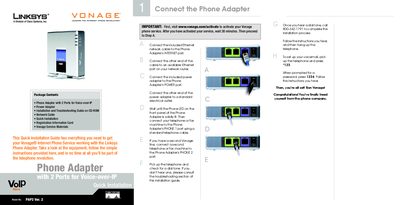
The PAP2 is a Linksys phone adapter that enables Voice‑over‑IP service through Vonage. It connects to your network via an Ethernet cable and supplies power through an external adapter, allowing standard telephones or fax machines to make and receive calls.
The guide walks you through activating Vonage, wiring the adapter, interpreting LED indicators, configuring network settings via the web‑based utility, and resolving common issues such as missing dial tone or connectivity problems.
| Ports | 2 Voice‑over‑IP ports (PHONE 1, PHONE 2) |
|---|---|
| Power | External power adapter (12 V) supplied |
| Network | Ethernet (Internet) port for LAN connection |
| LED Indicators | Power, Phone, and Internet lights indicate status |
Visit www.vonage.com/activate, wait about 30 minutes after activation, then follow the installation steps in the guide.