
This manual introduces how to configure Dreamtilt VoIP device PAP2, including basic requirements of the device, preparation before configuration, PAP2 configuration and VoIP configuration.
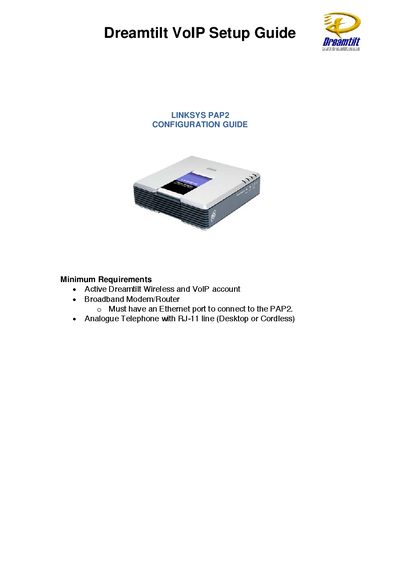
This guide outlines the minimum requirements and initial hardware setup for the Linksys PAP2, including connecting an analog telephone and Ethernet cable. It also explains how to retrieve the device's IP address using the built‑in dial‑in method and access the web‑based configuration interface.
The document then details VoIP configuration options such as SIP settings, NAT mapping, proxy and registration parameters, audio codec preferences, dial‑plan syntax, and network settings (DHCP/static IP, DNS, NTP). Additional sections cover NAT support parameters, call‑progress tones, timer values, and steps to reset the device to factory defaults.
| SIP Port | 5060 |
|---|---|
| NAT Mapping Enable | Yes |
| Preferred Audio Codec | G.729a |
| Proxy Server | dreamtilt.com.au |
Dial **** followed by 110#; the automated voice will announce the IP address.