
This document is an installation guide for Linksys SPA 2102 ATA, used to configure and activate analog phone or fax extensions. The document explains how to configure extensions, configure extension settings, install Linksys SPA 2102 ATA, and connect the device using the ports on the back panel.
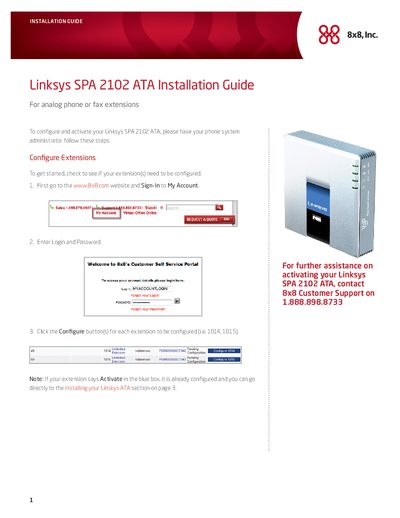
This guide provides step‑by‑step instructions for preparing your 8x8 account, configuring extensions, and wiring the SPA2102 ATA.
It also covers activation using an activation code, optional router configuration, and explains the indicator lights on the front panel.
| Default LAN IP Address | 192.168.0.1 |
|---|---|
| Default Subnet Mask | 255.255.255.0 |
Log in to the 8x8 Self Service Portal, click the Activate button for the extension, note the activation code, then follow the on‑device prompts to enter the code.
The Power LED is green when the adapter is powered and online, the INTERNET LED is green when an active Internet connection exists, and the PHONE LED is green when a phone or fax is registered.