
this is a user guide for linksys wrt54gh router
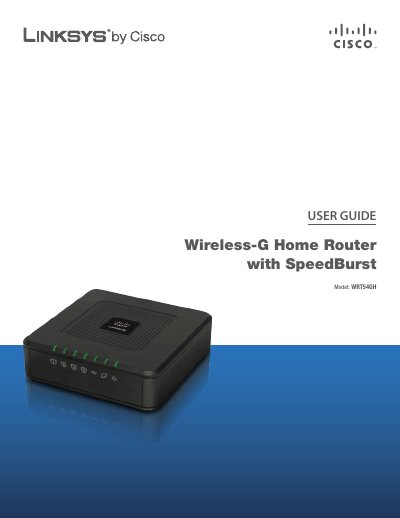
This guide covers the Linksys WRT54GH Wireless‑G Home Router, describing its hardware layout, LEDs, ports, and mounting options. It explains how to perform basic setup, configure wireless security, and manage advanced features through the browser‑based utility.
The document includes a wireless security checklist, detailed advanced configuration steps, troubleshooting advice, full technical specifications, warranty details, regulatory information, and the software end‑user license agreement.
| Standards | IEEE 802.3, IEEE 802.3u, IEEE 802.11g, IEEE 802.11b |
|---|---|
| Ports | Power, Internet, Ethernet (1‑4) |
| Antennas | One Internal PIFA Antenna |
| RF Power (EIRP) 802.11g | Typ. 14 ± 1.5 dBm @ Normal Temp |
| Receive Sensitivity 54 Mbps | -68 dBm Typical @ 10% PER |
| Power Consumption | 12 V, 0.5 A |
| Dimensions | 4.33" × 1.26" × 4.33" (110 × 32 × 110 mm) |
| Weight | 6.0 oz (170 g) |
Press and hold the Reset button for about five seconds, or use the Administration > Factory Defaults screen in the web utility.
Enter 192.168.1.1 in a web browser’s address bar to reach the router’s configuration utility.
The router includes WPA2 security, a Stateful Packet Inspection (SPI) firewall, and NAT technology.
It provides four Ethernet ports labeled 1‑4 for wired connections.