
This manual describes how to install, configure, and use the Wireless-N PCI Adapter with Dual-Band.
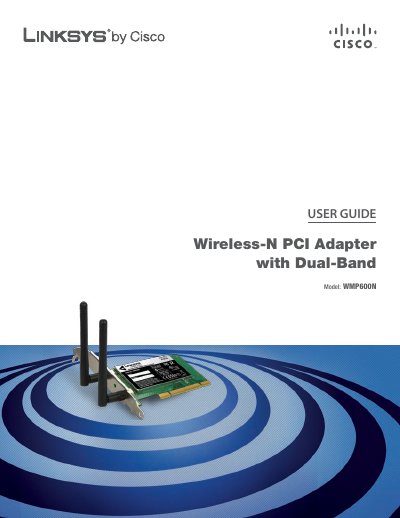
This guide provides a complete overview of the Linksys WMP600N Wireless‑N PCI Adapter with Dual‑Band, including hardware features, bracket options and LED indicators. It walks you through the initial installation, the Setup Wizard and optional low‑profile bracket.
The manual also covers wireless security best practices, detailed configuration steps using the Linksys Wireless Manager, troubleshooting tips, and full technical specifications. Appendices contain warranty, regulatory, and software license information.
| Standards | IEEE 802.11a/b/g, IEEE 802.11n Draft 2.0 |
|---|---|
| Number of Antennas | 2 external dipole antennas |
| Connector Type | R‑SMA detachable |
| RF Power (EIRP) – 2.4 GHz | 13.5 dBm ±1 dBm |
| Security Features | WEP, WPA & WPA2 Personal, WPA & WPA2 Enterprise |
| Operating Temperature | 0 °C to 45 °C (32 °F to 113 °F) |
The adapter supports WEP, WPA and WPA2 for both Personal and Enterprise configurations.
The WMP600N includes two external dipole antennas.