
This document is a user guide for the Linksys NAS200 Network Storage System. The network storage system has 2 bays and provides notes of interest, warnings, and important website resource links.
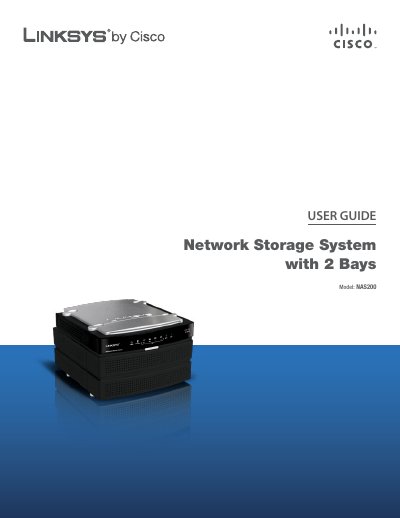
The Linksys NAS200 is a two‑bay network storage system with Ethernet and USB connectivity, designed for home and small‑office use. This guide walks you through product features, front and back panel functions, and safety precautions.
The manual covers using the Setup Wizard to configure the device, adding a second hard drive, advanced web‑based settings, backup software installation, and troubleshooting. Appendices include detailed specifications, warranty information, regulatory notices, and the software license agreement.
| Model | NAS200 |
|---|---|
| Standards | IEEE 802.3, IEEE 802.3u |
| Ports | Power, Ethernet, USB 1, USB 2 |
| Buttons | Power, USB 1, USB 2, RESET, BACK UP |
| LEDs | Power, Ethernet, Disk (Act, Full, 1, 2), USB 1, USB 2 |
| Cabling Type | UTP CAT5 or Better |
| Power | 12V DC, 5A, Switching, 100‑240V AC, 50‑60Hz |
| Dimensions | 6.69" x 4.49" x 7.68" (170 x 114 x 195 mm) |
| Weight | 1.97 lb (893 g) |
| Operating Temperature | 41 to 104ºF (5 to 40ºC) |
| Storage Temperature | 14 to 140ºF (–10 to 60ºC) |
| Operating Humidity | 10 to 80% Noncondensing |
| Storage Humidity | 5 to 90% Noncondensing |