
This document introduces the basic functions and usage methods of SPA400 Internet Telephony Gateway, including connecting up to 4 standard analog telephone lines, configuring up to 4 SPA400 devices, and supporting 32 voicemail accounts.
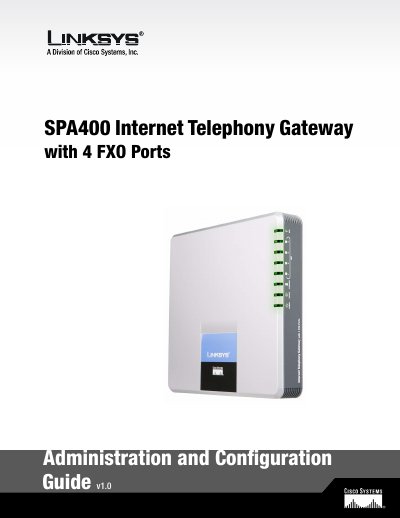
The SPA400 Internet Telephony Gateway provides up to four FXO ports for connecting standard analog telephone lines to a Linksys Voice System (LVS) VoIP network. It includes an integrated voicemail application and is designed to work with a SPA9000 controller.
This guide covers initial network connection, web‑based and wizard configuration, SIP and UDP settings, voicemail server setup, and advanced options such as static IP, RTP ports, and factory reset procedures.
| FXO ports | 4 |
|---|---|
| Maximum voicemail accounts | 32 |
| Maximum SPA400 devices per SPA9000 | 4 |
| Default SIP port | 5060 |
| IP address acquisition method (default) | DHCP |
The SPA400 can connect up to four standard analog telephone lines via its four FXO ports.
The integrated voicemail application on the SPA400 supports up to 32 voicemail accounts.
By default the SPA400 obtains its IP address via DHCP.
Select the “Discover Automatically” radio button so the SPA400 learns the SPA9000’s IP address and UDP port from SIP registration packets.