
This document is a user guide for the Linksys EA Series, providing an overview of the EA2700, EA3500, and EA4500 products, as well as instructions on basic and advanced setup.
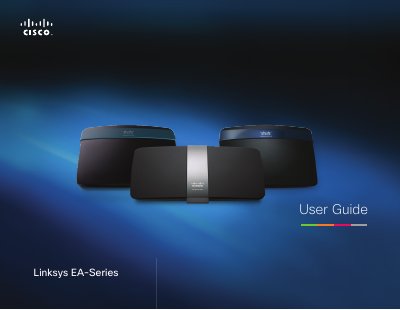
This guide covers the Linksys EA‑Series routers, detailing product overviews, basic and advanced setup steps, security features, parental controls, guest access, and storage options. It also includes troubleshooting, firmware upgrades, and monitoring tools.
Each model (EA2700, EA3500, EA4500) offers dual‑band N Wi‑Fi, Gigabit Ethernet ports, USB storage support, and optional DLNA media serving. The manual explains how to use Cisco Connect software, configure DHCP, port forwarding, VPN, and QoS for optimal performance.
Press and hold the reset button for 5‑15 seconds until the port lights flash at the same time.
In the router’s utility, enable the Guest Access feature and set a separate SSID and password for guest devices.
Connect a USB storage device to the router’s USB port, then configure shared folders and access permissions via the utility.