
Linksys PAP2T manual, which introduces how to reset PAP2, find device IP, configure router and set voice quality
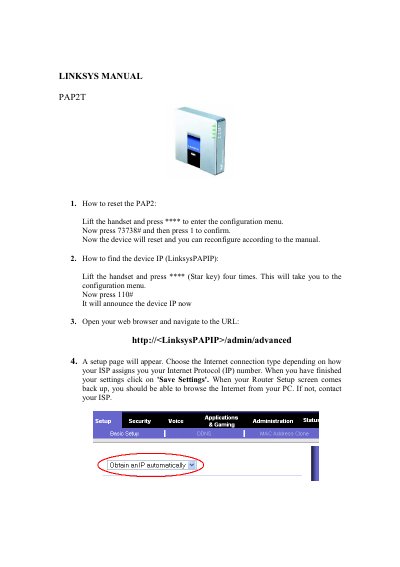
This manual explains how to set up and configure the Linksys PAP2T voice adapter. It covers resetting the device, locating its IP address, accessing the web administration interface, and configuring voice service parameters.
Key sections include resetting the PAP2, finding the device IP, using a web browser for advanced settings, and configuring voice line details such as SIP credentials and codec selection.
Lift the handset, press the configuration key, then enter 73738# and press 1 to confirm; the device will reset.
Lift the handset, press the star key four times to open the configuration menu, then press 110#; the device will announce its IP address.