
Linksys WRTP54G Wireless-G Broadband Router User Manual

This document is a User Guide of Wireless-G Broadband Router with 2 Phone Ports
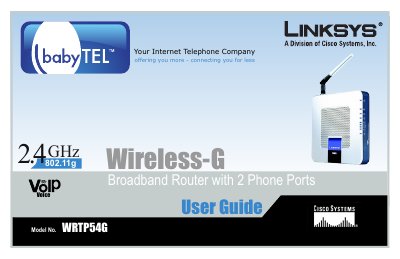

Linksys WRTP54G Wireless-G Broadband Router User Manual - cover page
Brand
Linksys
Category
Router
Document type
User Manual
Language
English
Pages
116
File format
PDF
File size
7.8 MB
Published
08 May, 2012
Updated
30 September, 2023
MD5 checksum
50FD38F0521339BBC83791C205AE2139

About this manual

This guide provides step‑by‑step instructions for planning, installing, and configuring the Linksys WRTP54G Wireless‑G Broadband Router. It covers hardware overview, connection diagrams, and detailed instructions for using the web‑based utility to set up basic and advanced network settings.

Additional sections include wireless security options, troubleshooting tips, firmware upgrade procedures, and reference appendices such as MAC address lookup, specifications, warranty, and regulatory information.

What's inside

  • Introduction
  • Planning Your Wireless Network
  • Getting to Know the Router
  • Connecting the Router
  • Configuring the Router
  • Troubleshooting
  • Wireless Security
  • Firmware Upgrade
  • Specifications
  • Warranty and Regulatory Information

Frequently asked questions

How do I access the router's web‑based utility?

Open a web browser and navigate to the router's IP address as shown in the manual.

How can I upgrade the router's firmware?

Use the Administration tab in the web‑based utility and select the Firmware Upgrade option to upload the new firmware file.

Download PDF (7.8 MB)

More Linksys Manuals


View all Linksys manuals →