
This manual describes the features and usage of the WRT160NL Wireless-N Broadband Router with Storage Link
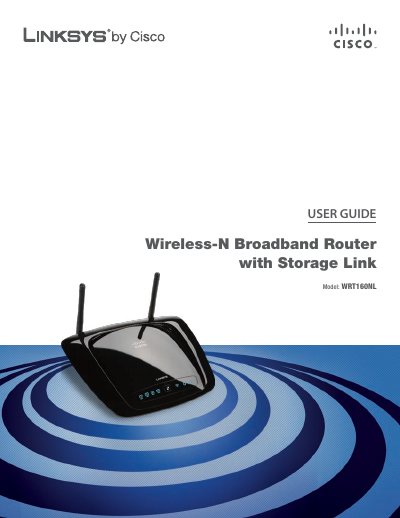
This guide provides a complete overview of the Linksys WRT160NL Wireless‑N Broadband Router with Storage, covering hardware layout, LED indicators, and basic operation. It walks users through initial installation, including wall‑mounting, connecting the USB storage device, and accessing the web‑based configuration utility.
Advanced chapters detail wireless security settings, DHCP and PPPoE configuration, storage management, access restrictions, and application‑specific features such as port forwarding and QoS. Appendices include full specifications, warranty information, regulatory notices, and the software end‑user license agreement.
| Model | WRT160NL |
|---|---|
| Standards | 802.3, 802.3u, 802.11b, 802.11g, Draft 802.11n |
| Ports | Internet, Ethernet (1‑4), USB, Power |
| Number of Antennas | 2 detachable R‑SMA |
| RF Power (EIRP) – 802.11n | 13.5 ± 1.5 dBm |
| Receive Sensitivity – 802.11n HT40/MCS15 270 Mbps | -67 dBm (10 % PER) |
| Security Features | WEP, WPA, WPA2, RADIUS, SPI Firewall |
| Power Supply | 12 V / 1.5 A (switching) |
| Dimensions | 7.98" × 6.27" × 1.30" (202.79 × 159.2 × 33.14 mm) |
| Weight | 9.98 oz (283 g) |
Press and hold the Reset button on the right side of the product label for about five seconds, or use the Administration > Factory Defaults screen in the web‑based utility.
Enter 192.168.1.1 in a web browser’s address bar to reach the router’s configuration page.
The router supports WEP, WPA, WPA2, RADIUS authentication, and a Stateful Packet Inspection (SPI) firewall.
It includes two detachable R‑SMA antennas.