
This document is an instruction manual for a multifunction power meter. It provides warnings and important instructions for using the meter, as well as definitions of the keyboard buttons and general features of the product.
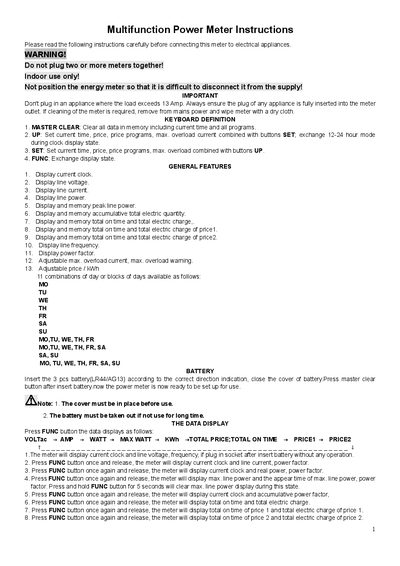
The EME-1 is a multifunction power meter designed for indoor use to monitor voltage, current, power, energy consumption and cost. It features a LCD display, programmable price/kWh settings, overload protection and a built‑in clock.
The handbook explains how to install the meter, set the clock, configure price programs, adjust overload limits, and use the function keys to view various data such as voltage, current, power factor, total energy and cost. Safety warnings and battery maintenance are also covered.
| Power supply | 230-240V AC SOHz |
|---|---|
| Max. load | 13A, 3120W |
| Measure voltage range | 200-276V AC |
| Measure current range | 0.02-16A |
| Measure current accuracy | +/-2% or +/-0.02 A |
| Measure power range | 5-3588W |
| Accumulative electric quantity range | 0 -9999.9kWh |
| Measure frequency range | 45-65Hz |
| Clock accuracy | +/- 1 minute per month |
| Operating temperature | -10 °C to +40 °C |
| Battery | 3x1.5V LR44/AG13 |
| Battery life | about 3 months without AC power |
The meter can handle up to 13 A, which corresponds to 3120 W.
Press the FUNC button until the clock appears, then press SET and use the UP button to adjust weekday, hour and minute, confirming each step with SET.
Hold FUNC for 5 seconds, then use the SET button to select each digit of price or overload current and adjust with the UP button, confirming each digit with SET.
The OVER LOAD WARNING will flash on the display.