
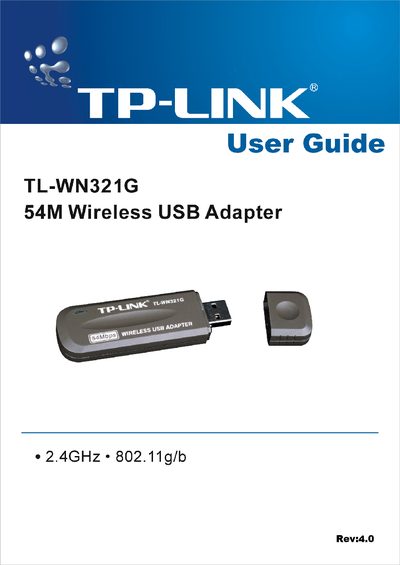
The TL-WN321G 54M is a USB 2.0 wireless adapter that supports IEEE 802.11b/g operation in the 2.4 GHz band, offering data rates up to 54 Mbps and security features such as WPA, TKIP/AES and WEP. It is designed for small‑office and home use, with an internal antenna and LED status indicator.
The user guide covers hardware and software installation, utility configuration, troubleshooting, FCC/CE compliance statements, and a full specification table. Appendices include a glossary of wireless terms and detailed technical parameters.
| Interface | A-type USB 2.0 Connector |
|---|---|
| Supported Standards | IEEE 802.11b/g |
| Operating Systems | Windows 98SE, ME, 2000, XP, Vista |
| Frequency | 2.4 ~ 2.4835 GHz |
| Data Rate | 54/48/36/24/18/12/9/6 Mbps (802.11g) / 11/5.5/2/1 Mbps (802.11b) |
| Transmit Power | Typical 15 dBm, Max 18 dBm |
| Working Temperature | 0 °C – 40 °C |
Try reorienting or relocating the receiving antenna, increase separation between equipment and receiver, or use a different outlet circuit; consult a radio/TV technician if needed.