
TL-WN353GD 54M wireless PCI adapter is a wireless LAN adapter produced by TP-LINK company. It adopts a 54M rate and supports the IEEE 802.11b/g standard. It supports WPA, WPA-PSK and other encryption methods. It can be compatible with Windows XP/Vista/7/8/8.1/10 operating systems.
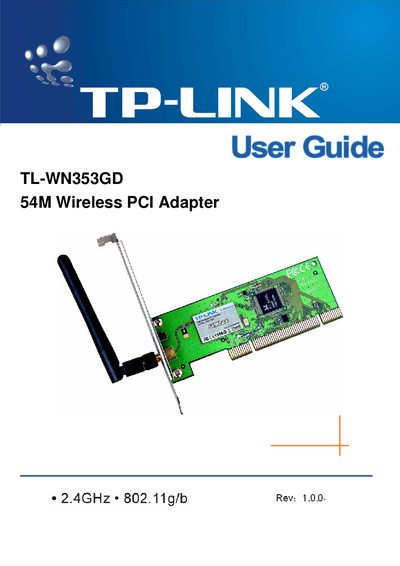
The TL-WN353GD 54M Wireless PCI Adapter lets you add high‑speed 802.11g/b Wi‑Fi to a desktop PC without running network cables. It supports up to 54 Mbps data rates, WPA/WPA2 security, and a detachable reverse‑SMA antenna.
This manual covers hardware installation, software setup via the TP‑LINK Wireless Utility, LED status indicators, profile management, and troubleshooting. It also includes specifications, regulatory notices, and contact information for support.
| Supported data rates | 54/48/36/24/18/12/9/6 Mbps or 11/5.5/2/1 Mbps |
|---|---|
| PCI interface | 32‑bit |
| Security features | WPA/WPA2, IEEE802.1x, TKIP/AES, 64/128/152‑bit WEP |
| Antenna type | Detachable reverse SMA connector |
| LED status – transmitting | Green flashing |
Turn off the PC, open the case, insert the adapter into an available PCI slot, secure it with a screw, close the case, then reconnect power and turn the PC on.
A green flashing LED means the adapter is actively transmitting and receiving data.
The adapter works with Windows 98, ME, 2000, 2003, XP, Vista, and XP64.
It supports WPA/WPA2, IEEE802.1x authentication, TKIP/AES encryption, and 64/128/152‑bit WEP encryption.