
This document provides information about the specifications and features of the TL-WR1043ND Wireless N Gigabit Router, including its registered trademark, scope of application, compatibility, wireless communication, interference, and protection measures.
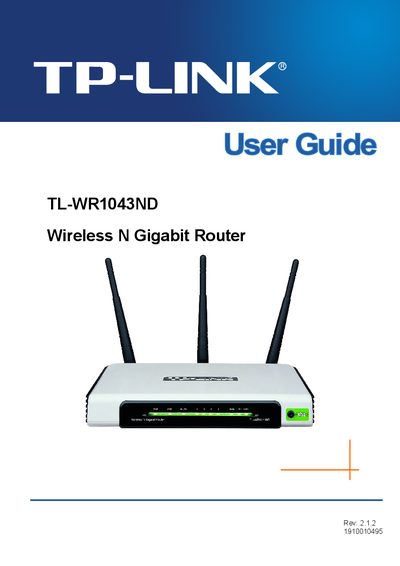
This guide introduces the TL‑WR1043ND Wireless N Gigabit Router, outlines the package contents, and explains the front‑panel layout and basic hardware features. It also covers system requirements and the recommended installation environment.
The manual walks you through quick installation, detailed configuration of wireless settings, DHCP, WAN/LAN, security options, advanced routing, bandwidth control, and system tools. Additional sections cover firmware upgrades, factory defaults, backup & restore, diagnostics, and a glossary of networking terms.
DDNS (Dynamic Domain Name System) is the capability of assigning a fixed host and domain name to a dynamic Internet IP address.
DHCP (Dynamic Host Configuration Protocol) is a protocol that automatically configures the TCP/IP parameters for all PCs connected to a DHCP server.
A DMZ (Demilitarized Zone) allows one local host to be exposed to the Internet for special‑purpose services such as gaming or videoconferencing.