
TL-SC3171 Day/Night Surveillance Camera Product User Manual
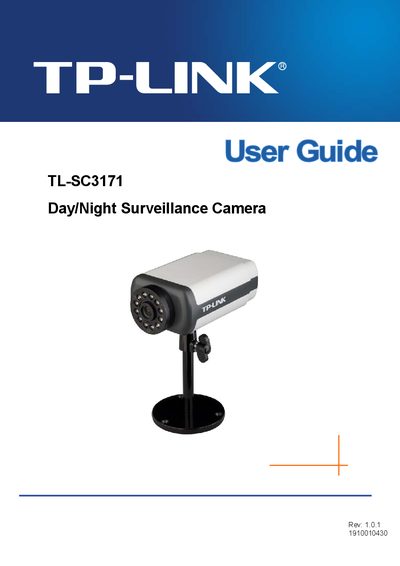
This guide covers everything needed to install and use the TL-SC3171 surveillance camera. It starts with package contents, minimum system requirements, and a physical overview of the camera’s front and bottom views, including focus adjustment, built‑in microphone, and power connections.
Subsequent chapters explain how to access the camera via a web browser, configure settings through the main menu, use mobile phone viewers (including iPhone), set up alarms, motion detection, and system logs. The document also includes an FAQ section that addresses common issues such as forgotten passwords, browser compatibility, focus adjustment, and locating the camera’s IP address.