
This document is the user manual for the TD-W8910GB 54M Wireless ADSL2+ Router
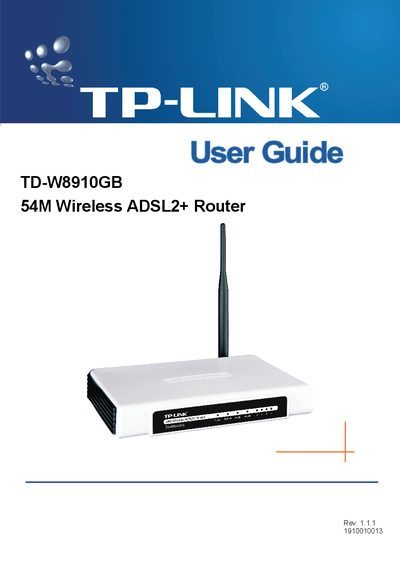
This guide introduces the TD-W8910GB 54M Wireless ADSL2+ Router, describing its main features such as four 10/100Mbps LAN ports, ADSL2+ support, and multiple wireless security options (WEP, WPA/WPA2, TKIP/AES). It also explains the router’s hardware layout, front and back panel LEDs, and system requirements.
The manual walks users through hardware installation, quick setup, wireless LAN configuration, diagnostics, and management functions via the web‑based utility. Appendices include a glossary and a detailed specifications table covering supported standards, ports, environmental limits, and power information.
| LAN Ports | Four 10/100M Auto-Negotiation RJ45 ports (Auto MDI/MDIX) |
|---|---|
| Line Ports | One RJ11 port |
| Working Temperature | 0°C ~ 40°C |
| Storage Temperature | -40°C ~ 70°C |
| Working Humidity | 10% ~ 90% RH (non‑condensing) |
It has four 10/100Mbps Auto‑Negotiation RJ45 LAN ports.