
TD-8840 User Guide is the user manual of TP-LINK ADSL2+ External Router, which mainly introduces the hardware composition, function characteristics, connection method, common fault troubleshooting, etc.
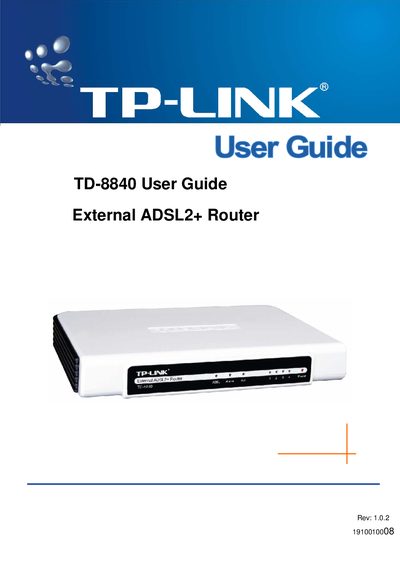
This guide introduces the TD-8840 external ADSL2+ router, outlining its main features such as a built‑in 4‑port switch, support for all ADSL2+ standards, and firmware upgradeability. It explains the hardware components included in the package and the required installation steps.
The manual details system configuration, including supported protocols (PPPoA, PPPoE, EoA, IPoA), Ethernet standards, and default login credentials. It also provides performance specifications, environmental operating ranges, and troubleshooting information.
| Maximum download data‑rate | 24 Mbps |
|---|---|
| Maximum upload data‑rate | 3.5 Mbps |
| Maximum line length | 6 km |
| Operating temperature | 0 °C ~ 40 °C |
| Storage temperature | -40 °C ~ 70 °C |
| Supported protocol (PPPoA) | RFC2364 |
| Supported protocol (PPPoE) | RFC2516 |
| Ethernet support | 10Base‑T/100BASE‑TX full‑duplex or half‑duplex, Auto‑MDIX |
The default username is admin and the default password is admin.
The router supports a maximum download data‑rate of 24 Mbps.
It operates between 0 °C and 40 °C, with storage temperatures from –40 °C to 70 °C.