
The TL-WN321G 54Mbps Wireless USB Adapter is a registered trademark product manufactured by TP-LINK TECHNOLOGIES CO., LTD. This adapter features a wireless transmission speed of 54Mbps and reliable connectivity performance. It complies with the limits for a Class B digital device according to FCC rules, providing reasonable protection against harmful interference to radio communications. Users can try reorienting the receiving antenna or increasing the separation between the equipment to correct any interference issues. The adapter is suitable for residential installations.
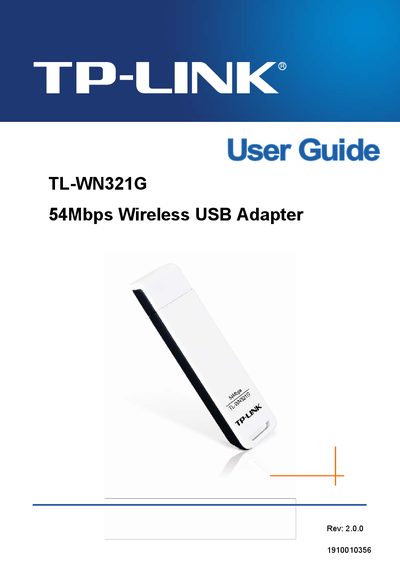
This guide covers the TL-WN321G 54Mbps Wireless USB Adapter, a USB‑2.0 pen‑size device that supports IEEE 802.11b/g networks. It explains the product’s features, security options, and LED status indicators.
The manual includes chapters on hardware and software installation, utility configuration, AP mode for various Windows versions, example applications, and a full specifications appendix.
| Interface | USB 2.0 Connector |
|---|---|
| Standards | IEEE 802.11g, IEEE 802.11b |
| Operating System | Windows 2000/ XP/ Vista/ 7 |
| Frequency | 2.4 ~ 2.4835 GHz |
| Radio Data Rate | Up to 54Mbps |
| Modulation | 11g OFDM, 11b CCK/DSSS |
| Data Security | WPA, 64/128‑bit WEP, TKIP/AES, IEEE 802.1X |
| Working Temperature | 0°C ~ 40°C |
| Storage Temperature | -40°C ~ 70°C |
| Humidity | 10% ~ 90% RH (non‑condensing) |
Install the hardware first, then run the driver and utility software from the included CD as described in Chapter 2 Installation Guide.
The LED on the top blinks green to show link/activity when data is being sent or received.
The adapter works with Windows 2000, Windows XP, Windows Vista, and Windows 7.