
This is a BIOS setup file for AMD Athlon(tm) II X2 235e Processor (64bit)
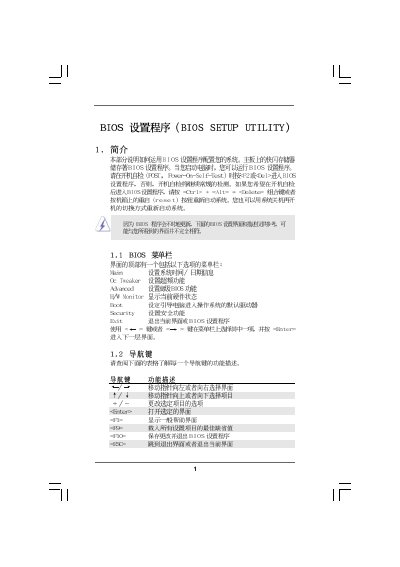
This manual provides step‑by‑step instructions for navigating the American Megatrends BIOS Setup Utility (version v02.54). It covers the main menu, advanced options, hardware monitoring, boot configuration, and security settings, allowing users to adjust processor, memory, and power parameters.
The document also includes warnings about overclocking, details on password management, and instructions for saving, discarding, or restoring default BIOS settings. It is intended for end‑users and technicians working with motherboards that use the AMI BIOS.
| BIOS Version | v02.54 |
|---|---|
| Processor Type | AMD Athlon II X2 235e (64‑bit) |
| Memory Mode | Single‑Channel 1024 MB @ 800 MHz DDR3‑1600 |
Press F9 to load the default BIOS configuration.
Press F10 to save the changes and exit the BIOS setup.
Select the Security menu, then choose Change Supervisor Password or Change User Password and follow the prompts.
Overclocking may cause damage to the CPU and motherboard and should be done at your own risk.