
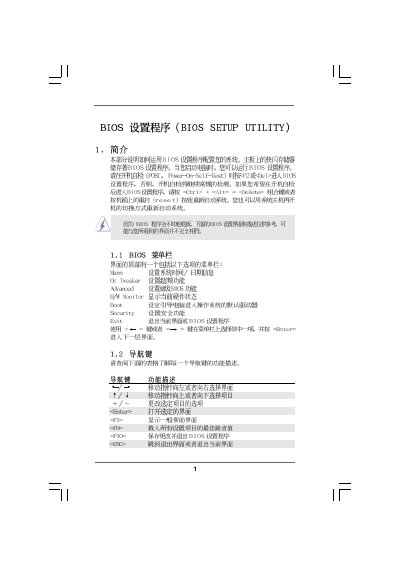
The BIOS Setup Utility guide provides step‑by‑step instructions for navigating the BIOS interface, adjusting processor, memory, and hardware settings, and managing security options. It covers the main menu, OC Tweaker, hardware monitor, boot configuration, and password management.
Users can learn how to load default settings, enable or disable features such as CPU Quiet Fan, and monitor system health parameters like temperature and fan speeds. The document also includes information on BIOS updates via the ASRock Instant Flash utility.
| BIOS version | v02.54 |
|---|---|
| CPU Quiet Fan default | Disabled |
Press F9 to load defaults, then press F10 to save and exit.
Select the Security menu, choose Change Supervisor Password, and follow the prompts to set a new password.
It enables or disables the CPU Quiet Fan function; set it to [Enabled] to activate quiet fan control.