
This document is a BIOS setup utility for configuring various parameters of a computer system. It allows setting system time, date, processor type and speed, among others. It also provides options for performance settings and power saving setup.
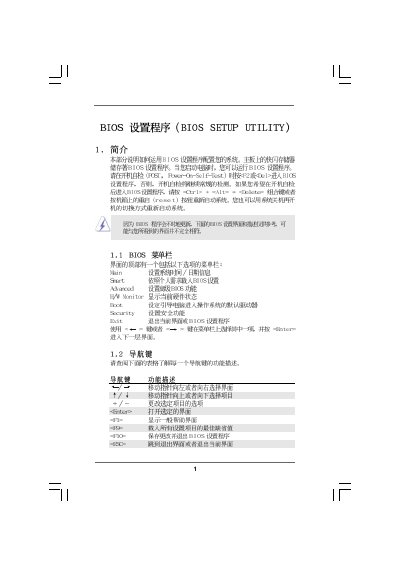
The BIOS Setup Utility manual provides step‑by‑step instructions for configuring the BIOS of the ASRock M3A790GMH/128M motherboard. It covers general settings, advanced options, CPU and memory configuration, hardware health monitoring, boot device selection, and security password management.
Each section describes how to navigate the BIOS screens, change values with the keyboard, and save or discard changes. The guide also includes notes on over‑clocking, power‑saving options, and troubleshooting warnings for incorrect settings.
| Processor Type | AMD Phenom II X3 720 (64‑bit) |
|---|---|
| BIOS Version | v02.54 |
Press F9 to load the BIOS defaults.
Enter the Security menu, select Change Supervisor Password, and follow the prompts.
In the Smart Settings, set CPU Quiet Fan to Enabled.
Open Boot Settings Configuration and select the desired device for 1st, 2nd, 3rd, or 4th Boot Device.